 Burning
Burning Bridges AI Video Generator
Upload one photo and take the lead at the chandelier party — the walk-up, the cup, the wave and the “where she at?” finish. One 20-second video, ready for TikTok, Reels and Shorts.
- 1 photo
- 20-second video
- Ready in 3–8 minutes
- With music
- 9:16 & 16:9
- No watermark
What is the Burning Bridges AI trend?
The Burning Bridges AI video is the party-scene trend that took over TikTok, Instagram Reels and YouTube Shorts: the chandelier-lit room, the crowd behind you, a cup in your hand and the hand-over-the-eyes “where she at?” finish. The clip is short, the lighting is unmistakable, and the lead is always one person.
Most people try to build it with a template or by pasting a long prompt into a video model. Our Burning Bridges AI video generator turns one photo into the whole 20-second scene — no prompt writing, no editing timeline, no reference video to hunt down.
You choose whether the room stays as it is and only the lead changes, or whether the whole party is rebuilt around your photo. Both follow the same motion beats.
Burning Bridges AI examples made from one photo
Different photos, different lighting, the same recognisable twenty seconds.
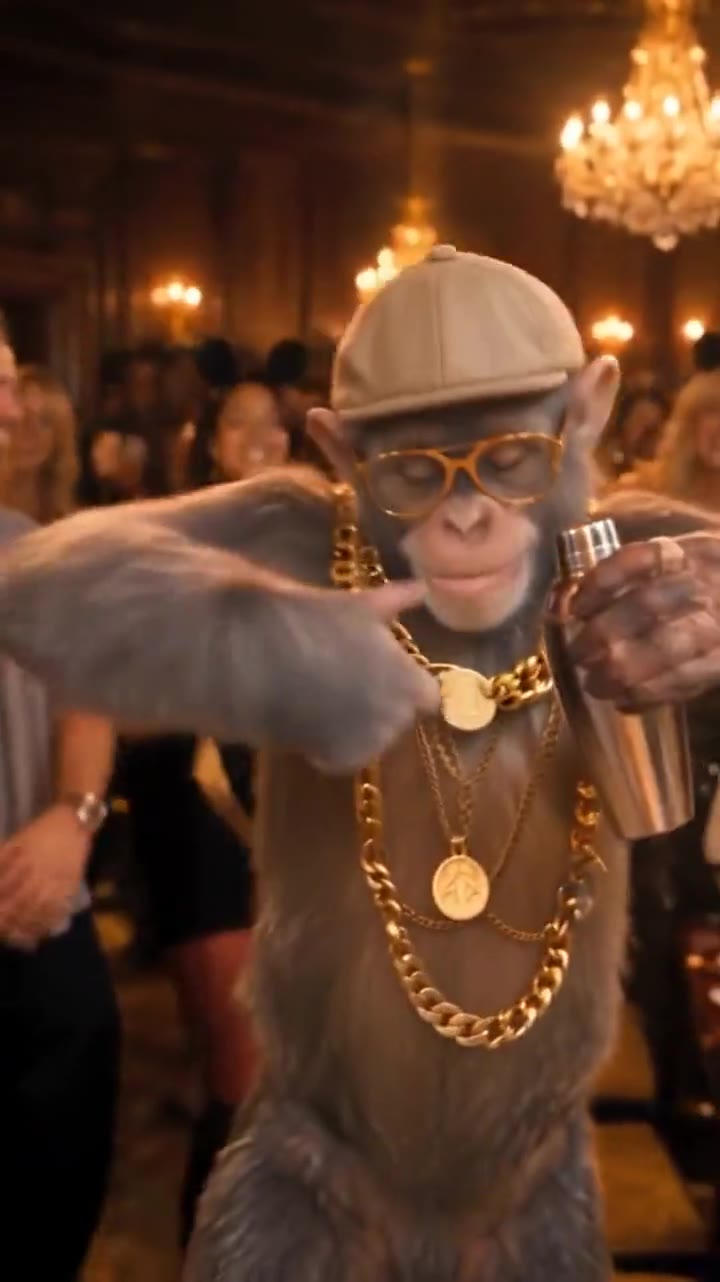 AI-generated
Chimp takes the lead20.1s
AI-generated
Chimp takes the lead20.1s
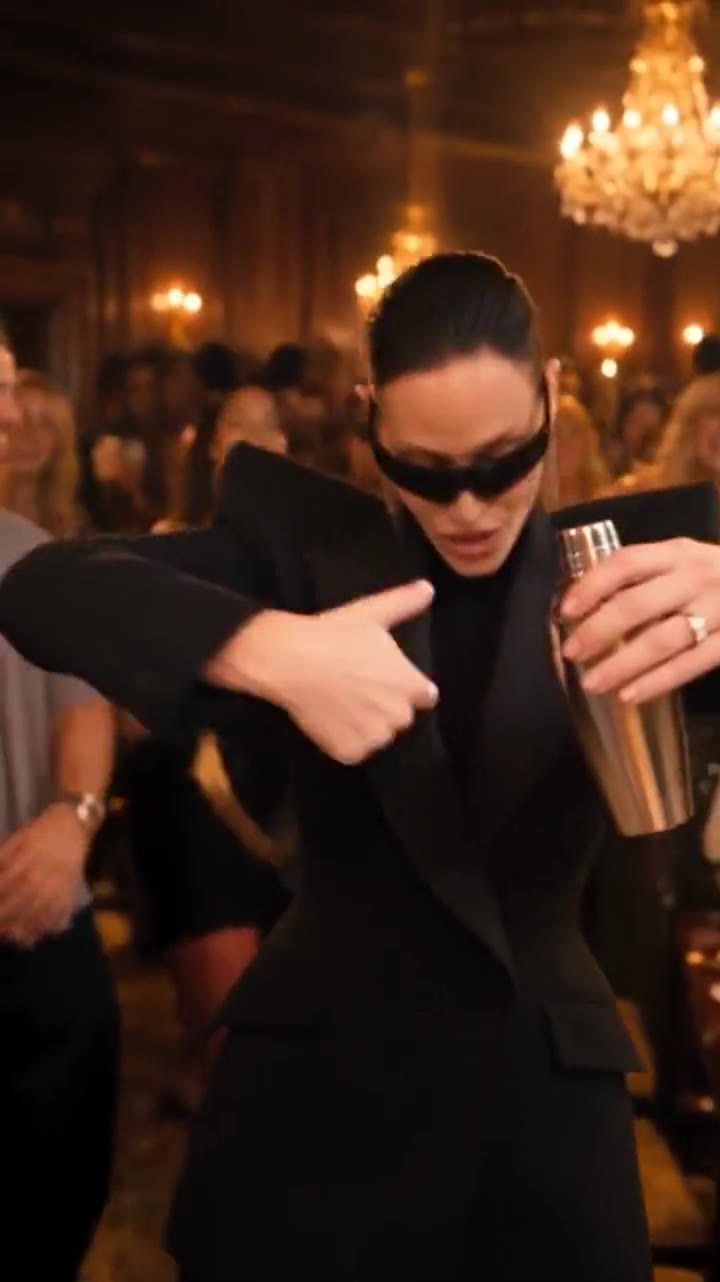 AI-generated
Black blazer, black shades20.1s
AI-generated
Black blazer, black shades20.1s
 AI-generated
Polar bear in the room20.1s
AI-generated
Polar bear in the room20.1s
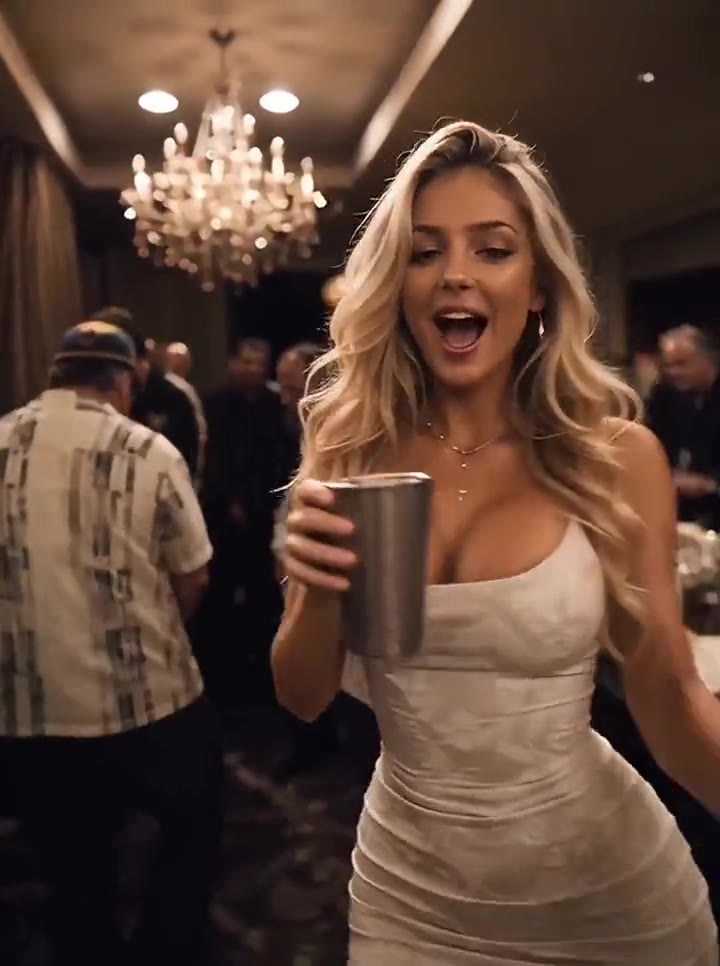 AI-generated
White dress, full energy15.1s
AI-generated
White dress, full energy15.1s
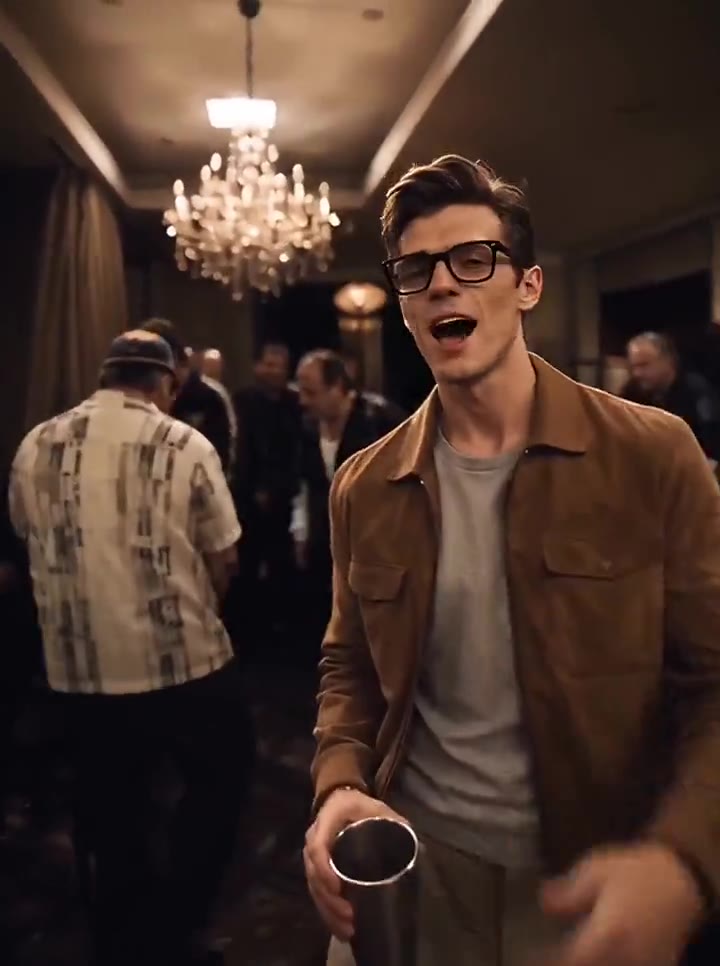 AI-generated
Tan jacket, cup raised15.1s
AI-generated
Tan jacket, cup raised15.1s
Every example is AI-generated video. Tap one to play it — your own result will follow your photo.
How to make a Burning Bridges AI video
Three steps. No prompt, no timeline, no reference video.
Add one photo
A clear, front-facing photo of one person — head to waist, even light, nothing covering the face. JPG, PNG or WebP up to 10 MB.
Pick the quality
Choose 480p Standard or 720p HD, and whether you want it vertical for TikTok and Reels or widescreen.
Download and post
Your 20-second MP4 appears in My videos with its soundtrack already in it. Download it and post it to TikTok, Reels or Shorts.
Who do you put in the party?
One lead per video — and it has to be your photo, or one you have permission to use.
Yourself
The original use: your own photo, your own party, posted from your own account.
Most popularYour pet
A sharp photo of your dog or cat with the face and fur clearly visible. The lead role works surprisingly well.
Use a well-lit close-upA friend, with permission
A birthday or group-chat surprise. Only with a photo they have agreed you can use.
Permission requiredYour own character
An avatar or character you own, brought into the scene as the lead.
No public figuresWhat happens when a render fails
This is the part most tools leave in a small paragraph at the bottom. Here it is up front.
A stated wait
Most renders finish in 3–8 minutes. You see your position in the queue instead of an indefinite spinner.
You can leave
Close the tab and carry on. The render keeps running and the video is waiting in My videos when you return.
Automatic refunds
If the model cannot finish, the credits return to your balance by themselves. You do not have to email anyone.
Private by default
Photos sit behind private links, never in a public gallery, and are deleted after the retention period.
Photos that make the best Burning Bridges video
Burning Bridges AI pricing
One-time credits. No subscription. A video costs 2 credits at 480p or 5 at 720p HD, and the price comes down with the bigger packs.
Burning Bridges AI FAQ
What is the Burning Bridges AI trend?
How do I make a Burning Bridges AI video?
What photos work best?
Can I put my pet in the party?
Can I make one for a friend?
Does the video come with music?
How long is the video, and in what format?
How much does it cost? Is there a free trial?
How long does it take?
Is this affiliated with Drake or his label?
What happens to my photo?
What happens if my video fails?
Your name is on the list
Sign in with Google, add credits, and download your 20-second video — ready for TikTok, Reels and Shorts.